
Colony vs Monday.com: Which is better for teams that want CRM and projects in one place?
Colony includes CRM, KPI dashboards, and a shared calendar in the same workspace as your projects. Monday.com's boards are genuinely good, but its CRM — monday CRM — is a separate product with its own subscription. Most teams that want both end up running and paying for two connected monday products instead of one.
Colony vs Monday.com: feature comparison
| Features | Colony | Monday.com |
|---|---|---|
| All-in-one workspace (Projects, KPIs, CRM, Calendar) | Partial | |
| Built-in CRM | Partial | |
| KPI & performance dashboards | ||
| Unified team calendar | Partial | |
| Task & project management | ||
| No copy-pasting between tools | ||
| Free plan | ||
| Starting price (per user / month) | $12 | $9 |
| Learning curve | Easy | Moderate |
| Best for | Unified operations | Visual, board-based workflows |
See what makes Colony a better way to get work done
From turning ideas into plans to keeping your team aligned, Colony brings everything together so you can spend less time managing work and more time moving it forward.
Napkin, working across the whole workspace
Napkin can touch projects, CRM records, and the calendar in the same request, because they all live in Colony's core plan. Monday's AI credits operate inside monday Work Management boards — reaching client data means crossing into the separate monday CRM subscription.
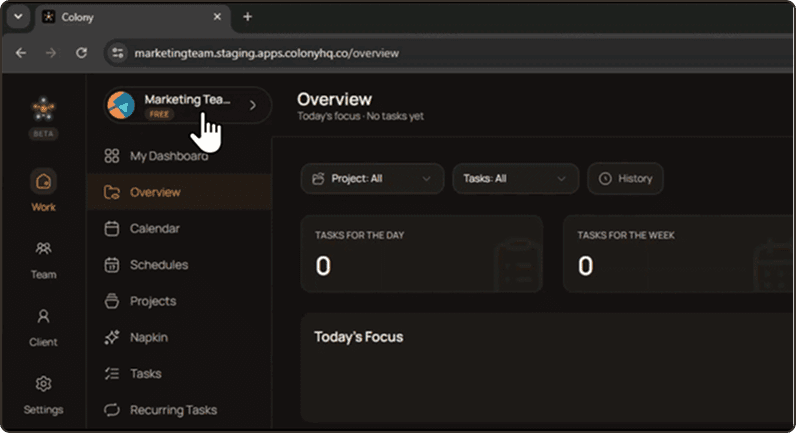
Built-in CRM, not a second product
Colony's CRM ships as part of the same plan as its projects. On Monday, CRM is monday CRM: a distinct product, sold and administered separately from monday Work Management, even though the two are built to connect.
Colony vs Monday.com pricing
Monday's Basic plan starts around $9 per user a month, under Colony's $12 — but that price doesn't include CRM. Add monday CRM, which most client-facing teams eventually do, and the real cost of running Monday's full stack climbs past what Colony charges for the same coverage in one plan. For a small team pricing this out, colony vs monday.com pricing looks a lot closer once both subscriptions are on the table.